Essential VS Code shortcuts
2 min read
·…
tl;dr:Useful VS Code shortcuts for a more efficient workflow.
At work, there are often situations where code needs to be processed in bulk. I used to click everything with the mouse, which was painfully primitive. So I decided to spend some time learning VS Code shortcuts.
Search, replace, and bulk operations
Select multiple occurrences
To select every occurrence of the currently selected variable and edit them in bulk, press Ctrl+F2. It selects all matching fields so they can be handled together.
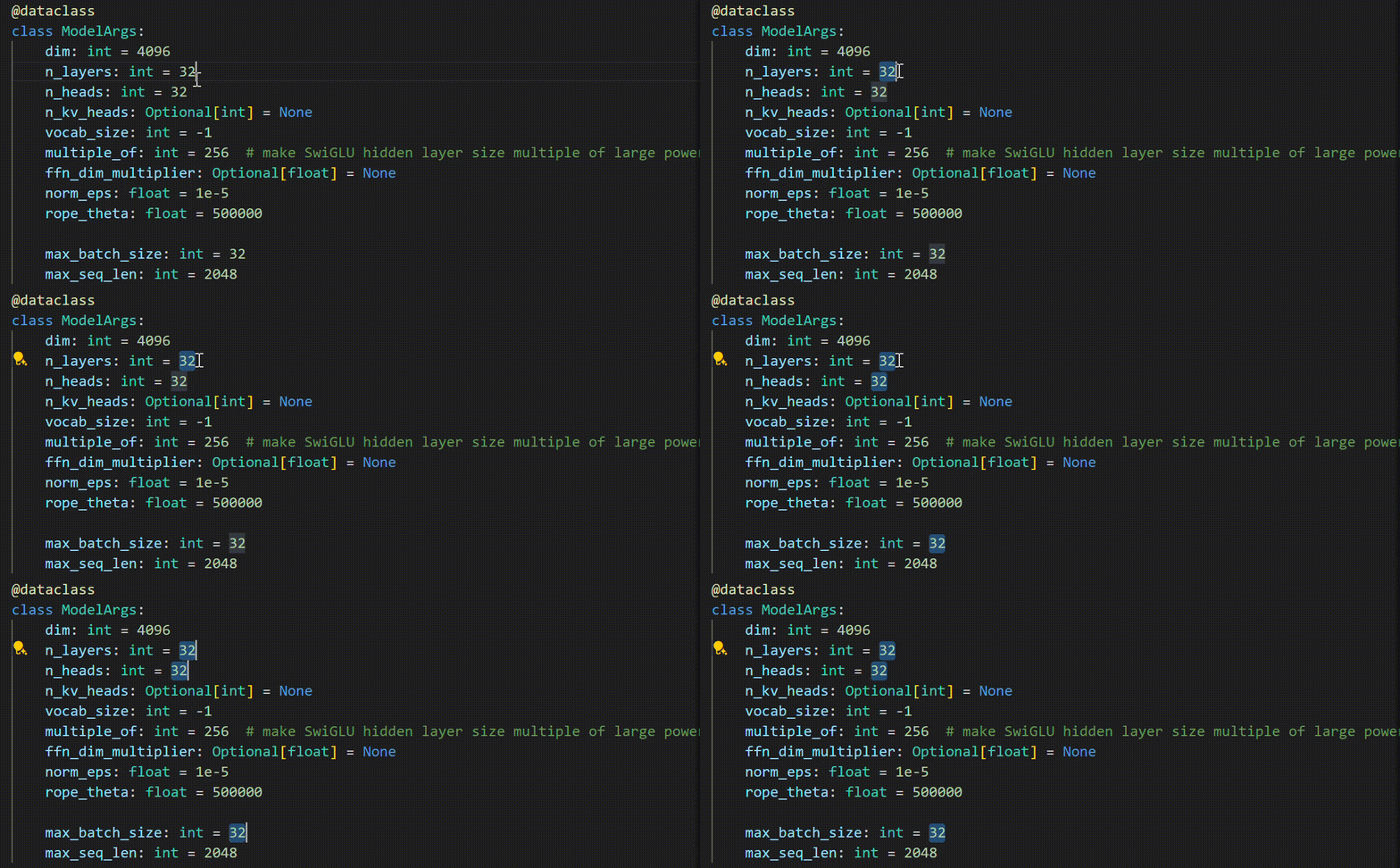
You can also use Alt+Click to place multiple cursors by clicking.
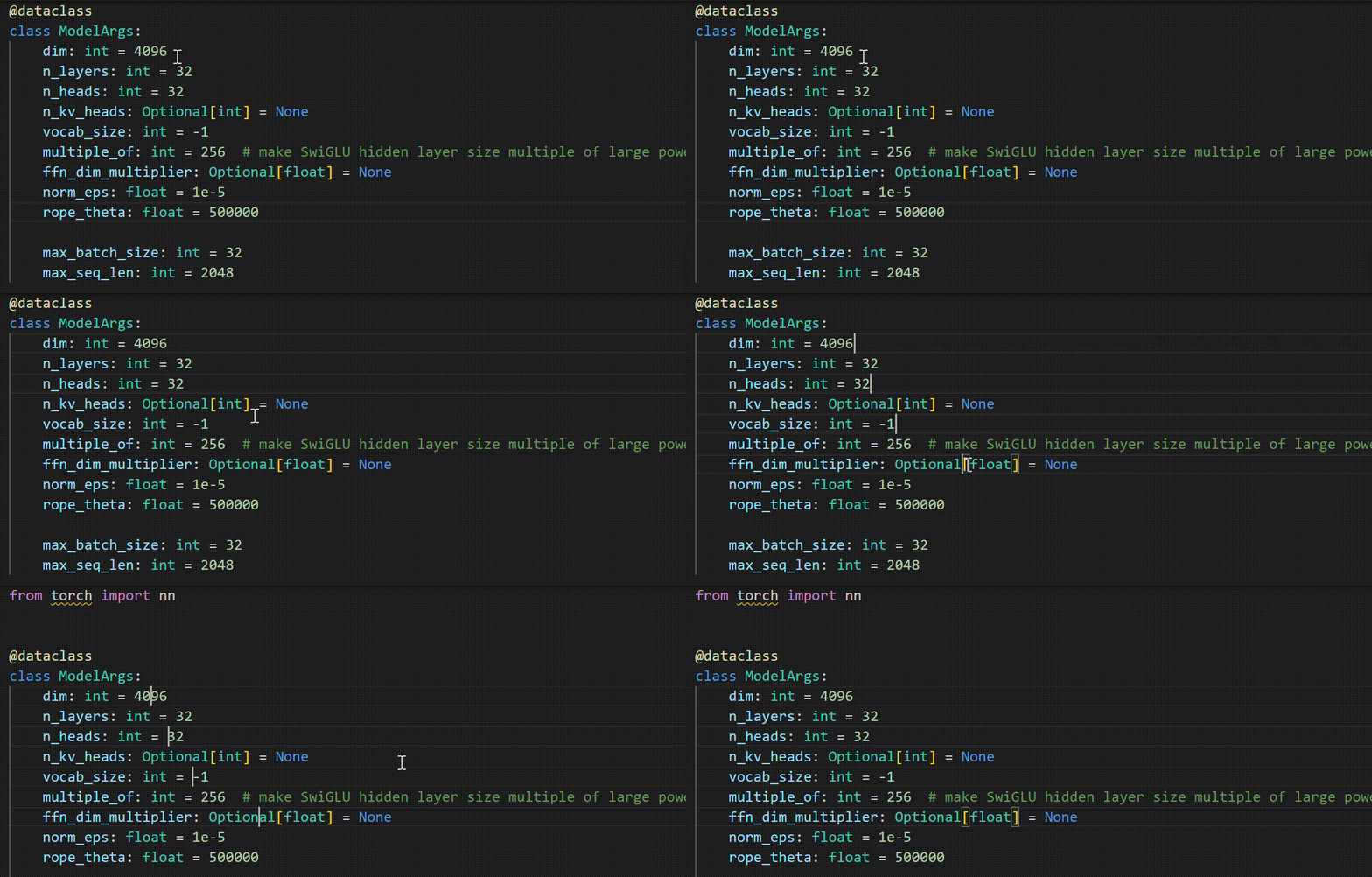
Even more convenient is Ctrl+D: it selects the occurrence at the cursor. Press it repeatedly to select subsequent matching occurrences.
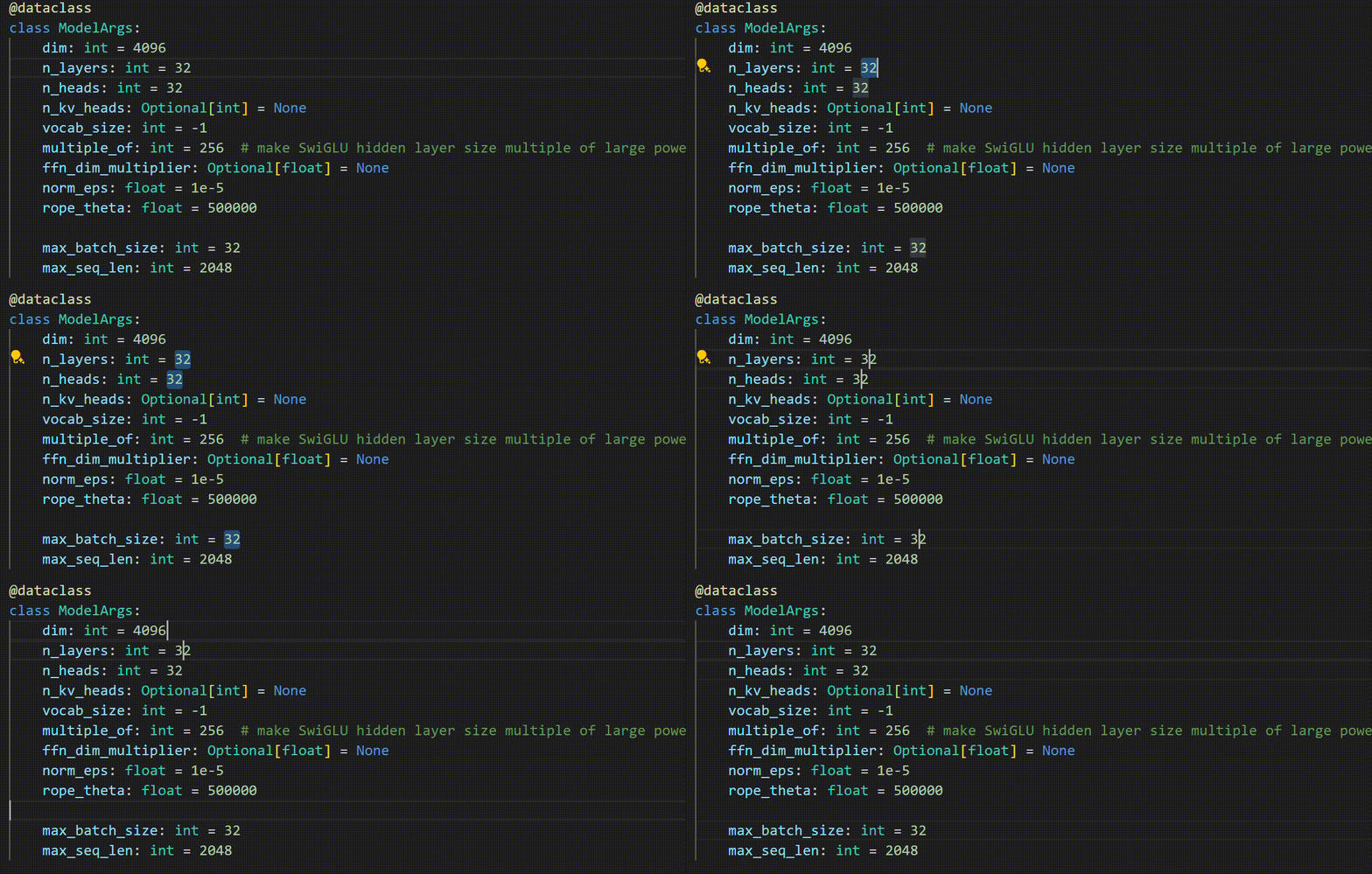
Search and replace
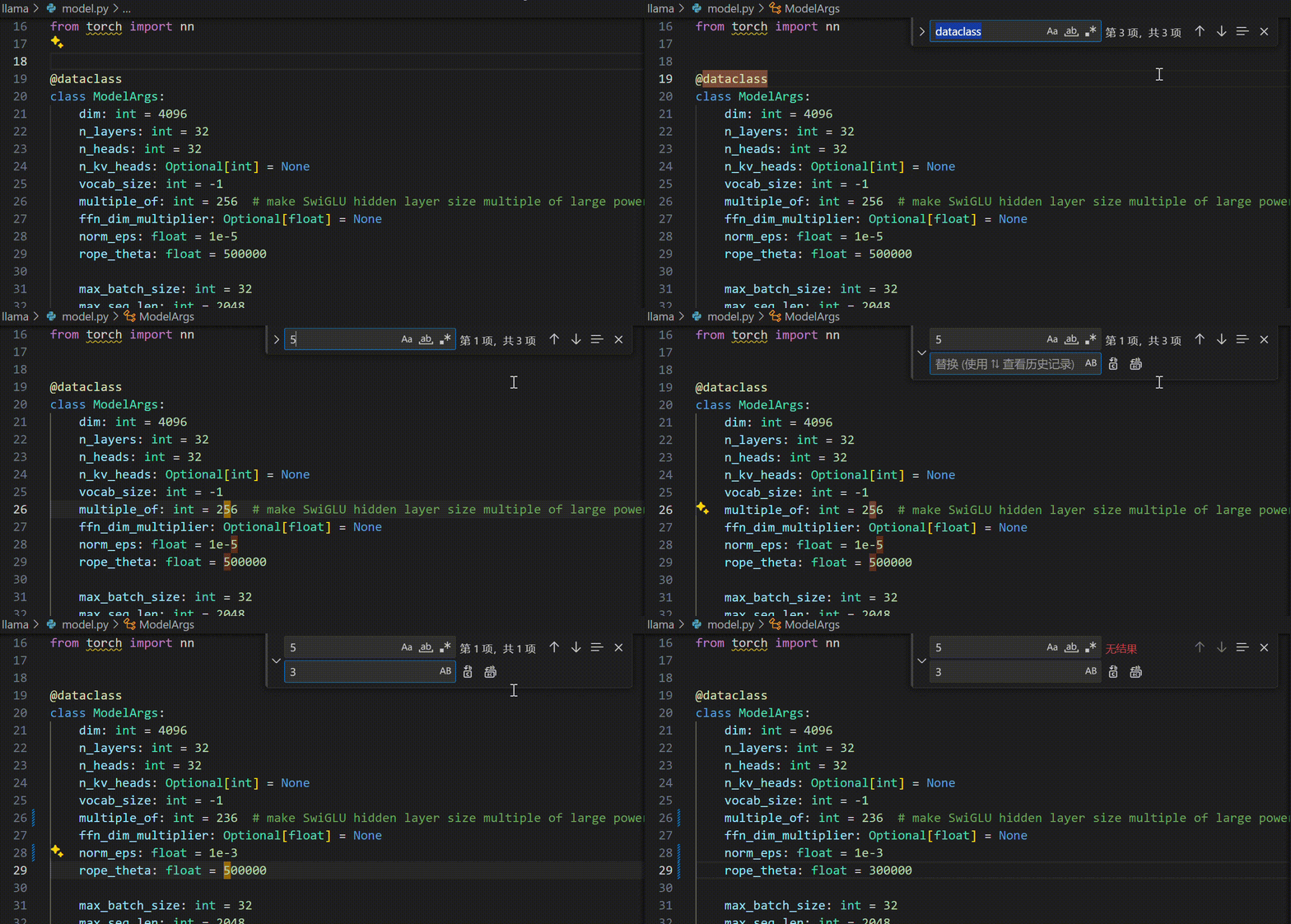
Ctrl+F is the classic search shortcut, while Ctrl+H opens replace. After entering a replacement, press Enter to apply it one occurrence at a time.
Display
| Shortcut | Action |
|---|---|
F11 | Toggle full-screen mode |
Ctrl+B | Toggle the sidebar |
Ctrl + Shift + V | Preview a Markdown file |
Windows
| Shortcut | Action |
|---|---|
Ctrl + Shift + N | Open a new window |
Ctrl + Shift + W | Close the current window |
Ctrl + P | Quick open a file |
April 20, 2024, in Suzhou